

 Europe
  Türkiye
  United Kingdom
  Global









 Login with my Xometry account





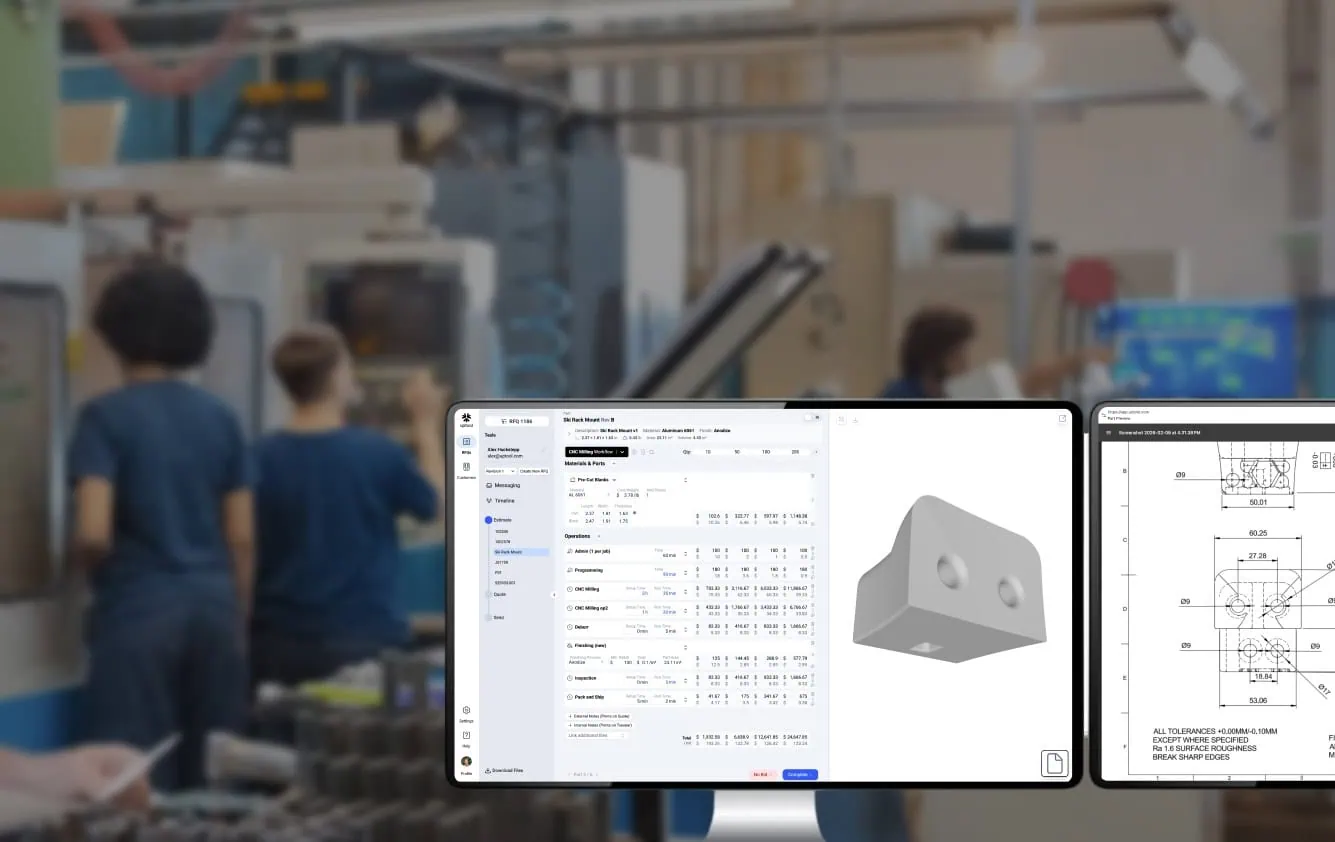
The co-founder of Uptool, Alex Huckstepp, sat down with us to discuss the problems faced by manufacturing shops and how their team is looking to help out.
Quoting Speed Matters But the Inputs Are Scattered
Tell me a bit about your background and how it led to Uptool.
My co-founder Benny Buller and I have both spent our careers in advanced manufacturing technology. Benny founded Velo3D, the metal 3D printing company. I’ve worked at several 3D printing and robotic manufacturing startups, including Carbon and Machina Labs.
About two years ago we started looking at what to build next. We spent time with various manufacturers and honed in on small machine and fab shops. They were still handling all the paperwork and admin with pen and paper or basic spreadsheets. Quoting, inventory, quality, all of it.
No existing ERP worked well for them, so we decided to build an operating system tailored for small, high-mix manufacturers, using AI to make it something they could adopt quickly.
What does the quoting process currently look like for these shops?
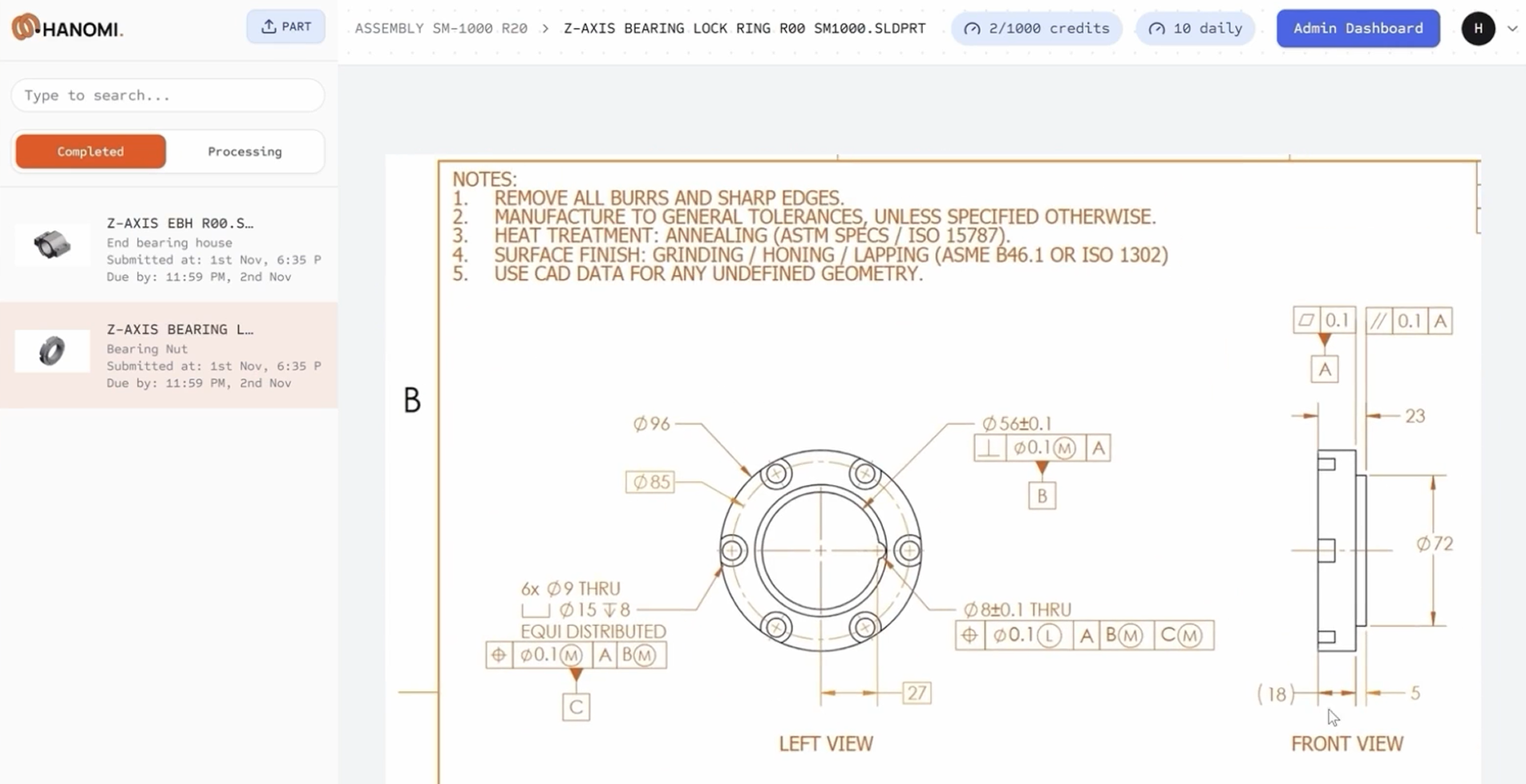
Whether it’s a machine shop or a fab shop, the workflow is surprisingly similar. They receive emails with a combination of CAD files, drawings, and bills of materials in spreadsheets or PDFs, plus unstructured information in the email body.
The first 5 to 10 minutes of every quote is just downloading data, organising files, and loading them into CAD or PDF viewers to figure out what the customer actually wants. They have to make sure that there is no conflicting information.
This is detailed work that requires attention before any actual quoting can even begin.
This sounds long and cumbersome. But quoting speed plays a huge role in winning work, right?
It’s the biggest factor. Most machinists know that when someone sends an RFQ, they’ve probably reached out to two or three other shops. For prototyping or quick-turn work, the customer will usually go with the first reasonable quote they get. If you quote faster, your win rate goes up. It’s that simple.
10x Faster from Email to Quote
Walk me through the same process with Uptool.
It starts with an email integration. Our AI automatically identifies that an incoming email is an RFQ and pulls it into the platform. So a customer can look at an email with 50 files and immediately see the 12 specific parts being requested. We match CAD files to PDF drawings and extract part numbers, revisions, descriptions, quantities, materials, and finishes.
From there, we automate the estimation of material and finishing costs. For sheet metal, we almost entirely automate the costs for laser cutting, waterjet cutting, and bending. For assemblies, we pull the BOM hierarchy from either the CAD files or the spreadsheet, identify child-part quantities, de-duplicate, and do the same.
What human input does Uptool require?
For each estimate, the customer still enters a few critical fields. If it’s machining, they enter programming time, setup time, runtime, and the number of operations. They decide which machine to use. They set the lead time and the final price.
Costing is one thing, but final pricing is an art. It involves strategy based on the customer and the value proposition. We don’t try to guess markups or capacity-dependent lead times. We handle the predictable stuff so the shop can move ten times faster while staying in control of the decisions that need experience.
On average, our users have gone from about 15 minutes per part down to a minute and a half. That’s the 10x improvement.
You talk about an operating system. What does it do beyond quoting?
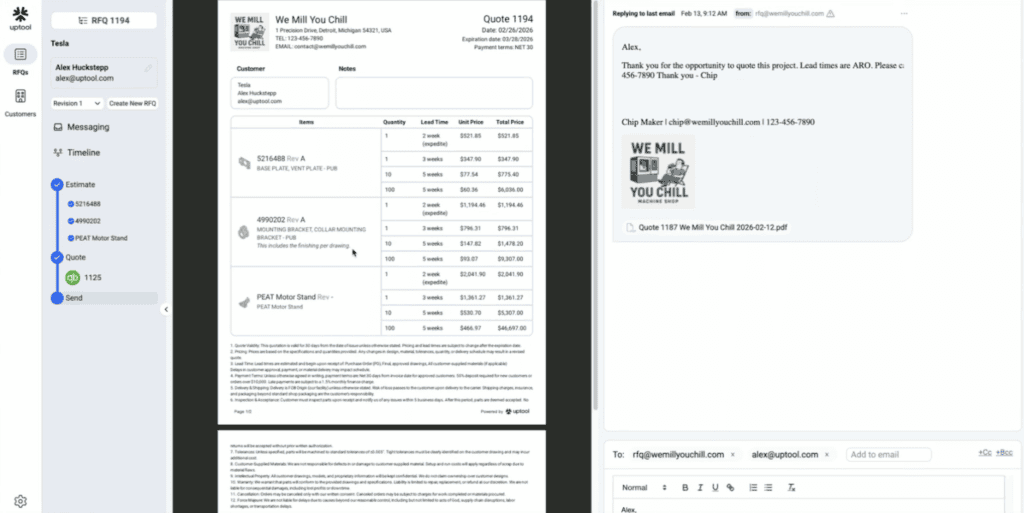
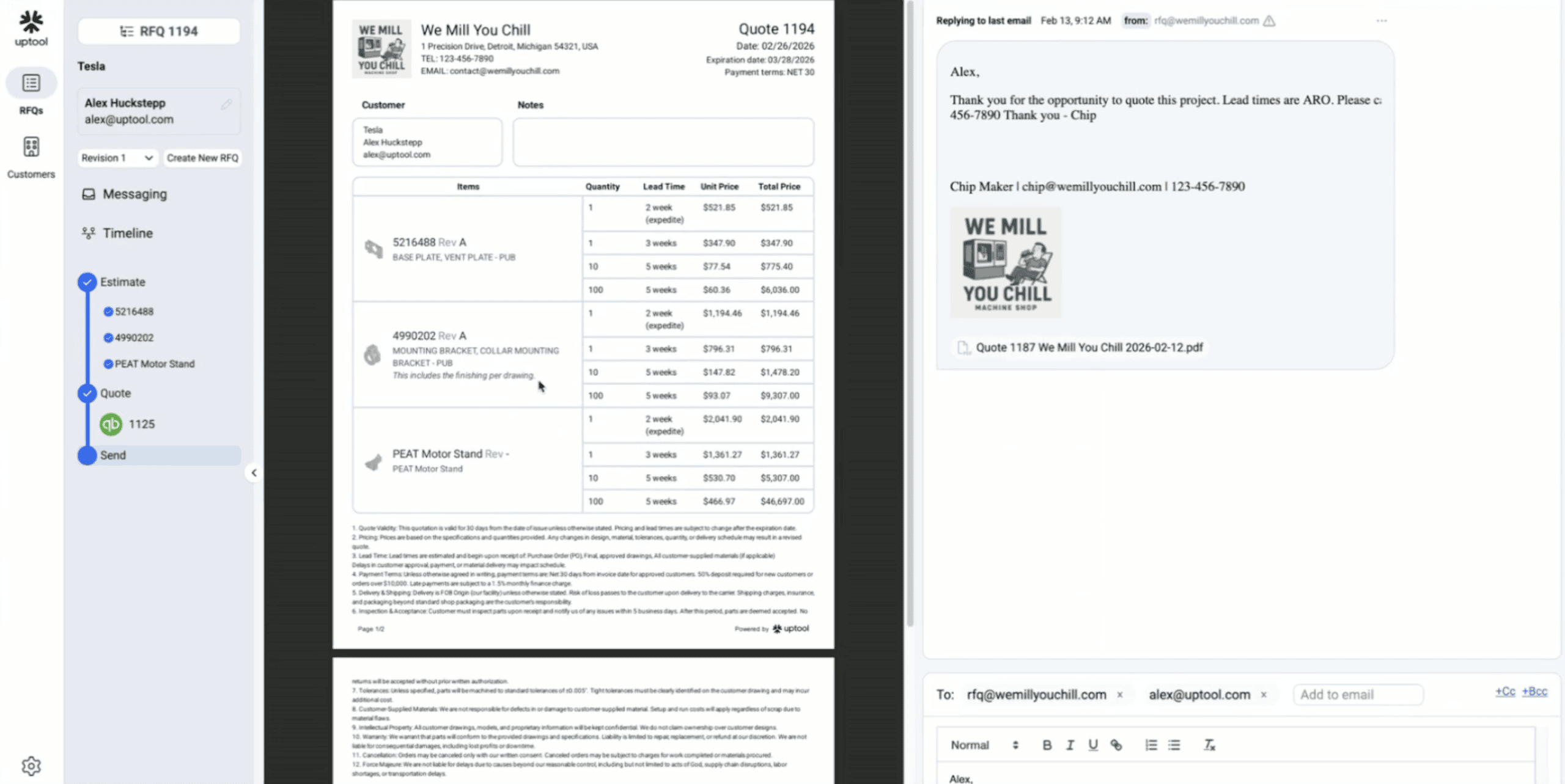
Every customer has a central dashboard that is essentially a command center. It integrates with email and populates automatically. Shops can triage and prioritise RFQs and see their full history. In the background, we’re building an automatic CRM that matches RFQs to the right contact and company, so they can track ordering patterns and win rates without maintaining anything manually.
We’re also integrated with QuickBooks, so estimates convert to orders or invoices in a few clicks. And we have a feature for printing travelers directly from the application.
Because our users are doing detailed routing during the quote phase, once they get the order they can print it and use it as manufacturing instructions on the shop floor.
Can you expand on the instructions function a bit?
Yes, we have a feature that allows users to print “travelers” (work orders) directly from our application. When people are quoting in our system, we’ve made it very easy to include high levels of detail. They can build the routing and all the necessary manufacturing steps into the estimate itself.
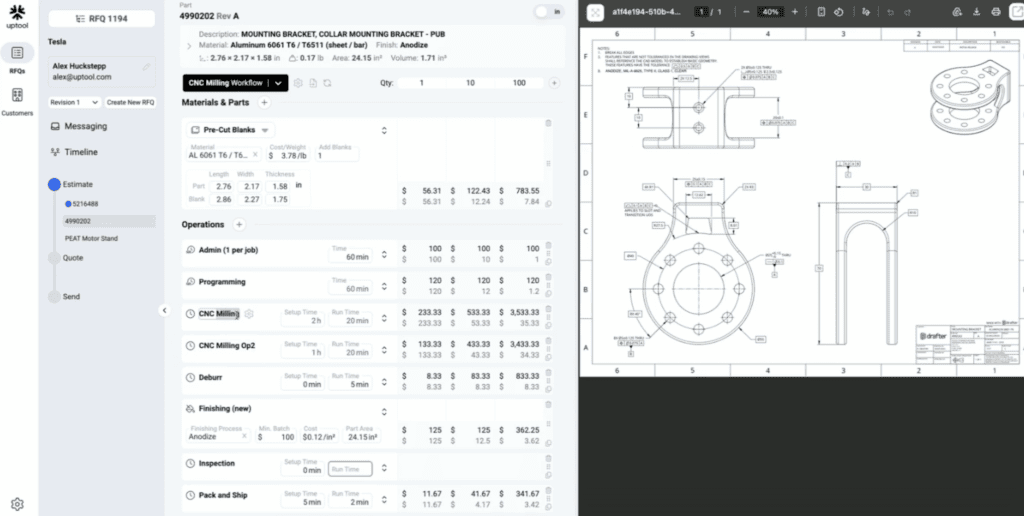
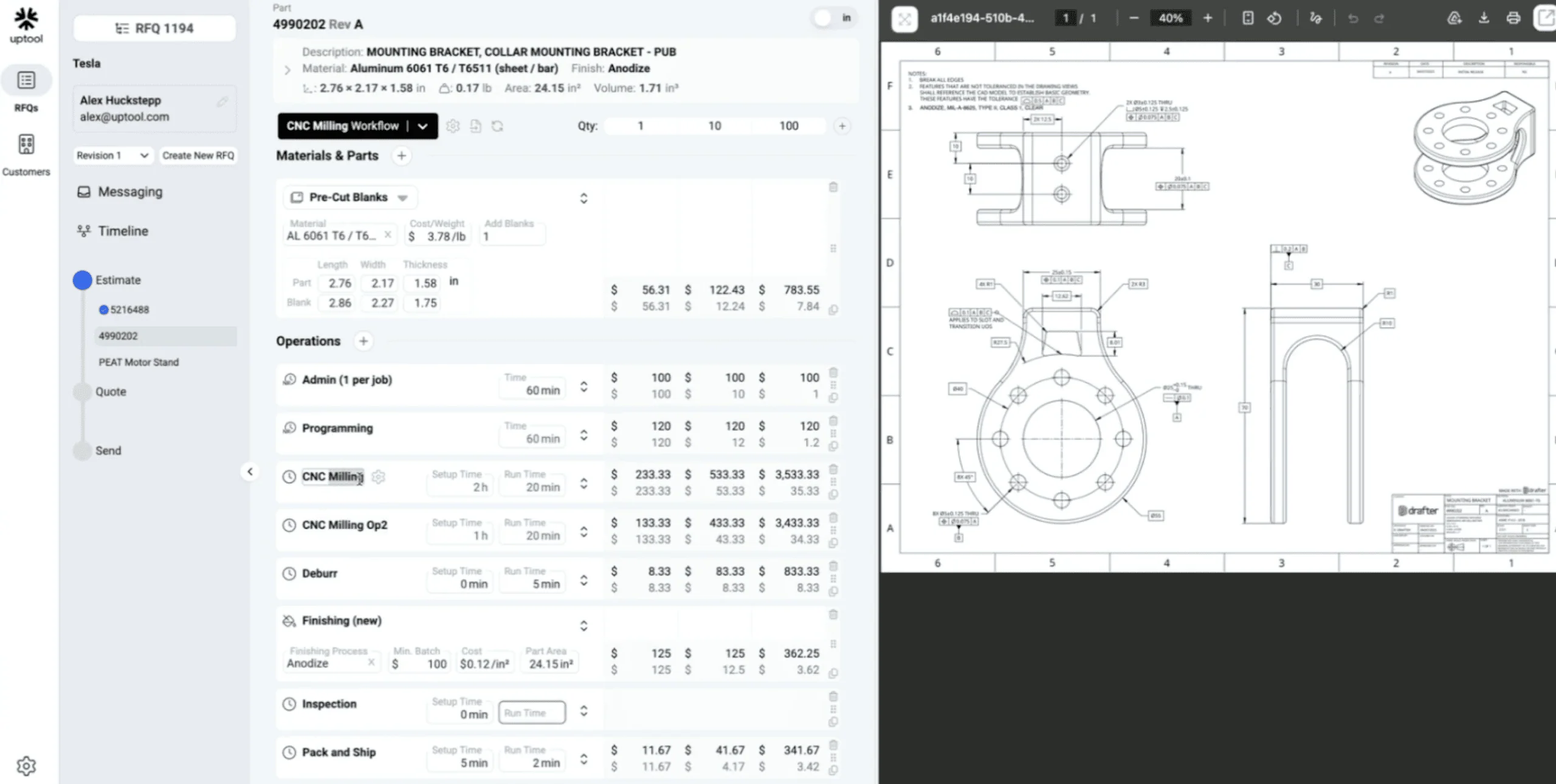
In spreadsheets or clunky legacy systems, people often quote at a high level where they consider material, time, and finishing. Detailed quoting is just too slow. Because our tool automates so much of the upfront work and has a fast UI, most of our users are doing detailed routing during the quote phase.
This means that once they get the order, they can use the printed traveler as manufacturing instructions on the shop floor. While we aren’t a full ERP, MRP, or MES yet, this is a highly valuable feature for small shops that often lack those systems.
Does the system learn from my past quotes to get more accurate over time?
During onboarding, which takes about an hour, we load the shop’s equipment, in-house processes, and the rates assigned to that equipment. From there, if a user consistently changes a specific variable, the software remembers and applies that to future estimates.
Once a shop has completed a large amount of quotes through the application, we’ll have enough data to get much more predictive, using geometry and requirements matching to suggest how they might price parts similar to ones they’ve handled before. That deeper learning layer isn’t rolled out yet, but it’s coming.
Many founders in the space note that getting access to 3D models and real-life data is the hardest but essential part to building great tools. How did you acquire the data needed for accuracy?
We were fortunate to have strong, trusting partnerships early on. Shortly after founding the company two years ago, we built a prototype that allowed us to plug into several machine shops.
While keeping their data strictly secure, we were able to observe the entire workflow from the initial email to the final quote and all the back-and-forth in between. This allowed us to see exactly where AI could be most useful. Through that process, we were able to evaluate the software on thousands of drawings and CAD files quite quickly, which was essential for building a robust, general-purpose product that works for most shops.
Quicker Quoting, Better Win Rates
You just launched from stealth a few weeks ago. How many shops are using this?
We don’t want to give a specific number because it changes almost daily, but we have dozens of customers now. Our goal is to reach hundreds by the end of the year.
The best fit is a machine or fab shop with 10 employees or fewer. That might sound small, but most shops in the US actually fall into that category. We do have customers with 20 to 30 people, but our focus is the small shop. Historically, no one has built tools for these businesses that are compatible with how they actually work.
What’s the biggest impact your early users have seen?
Win rate. Nothing matters more than winning business for a shop. Everything else is downstream. Beyond that, the time savings are massive. Many owners spend hours every day on repetitive quoting tasks. Most machinists didn’t start a shop because they love quoting. Some hate it, knowing they’ll be up late doing it after the kids go to bed.
Does the improved info processing also help to catch mistakes?
Yes, we occasionally see conflicting data, like a drawing that lists one material in the notes and a different one in the title block. The software is getting better at flagging those conflicts so the user can make an informed call.
Also, we reduce mistakes by handling the admin work so the user can focus on the sensitive details. They have more time to actually study the drawing to make sure not to miss any important info.
$195 a Month, No Lock-In
What’s the pricing?
For a one- or two-person shop, it starts at $195 a month. Month-to-month, no upfront fees, setup and support included. If someone cancels after a month, they’re out a couple hundred dollars and an hour of time.
For larger shops, the price scales up to around $2,000 a month based on shop size.
What file types can Uptool read?
We work with external vendors for native CAD translation. So we accept virtually anything. Native SolidWorks, Catia, ProE, and universal formats like STEP and IGES. About 99% of the engineering drawings we see are PDFs, but we also handle DXFs and DWGs.
Speed as a Guiding Principle
Can you shed some light on your future roadmap?
We can’t share too much specific detail yet, but the core theme is speed. We have a very talented team of software engineers leveraging AI in every way possible, from writing the code to baking it into the product.
Our goal is to help shops be hyper-responsive. That starts with quoting so they can win the job, but it carries all the way through to getting the part to the customer as fast as possible, in spec, with full traceability. We are building an operating system for maximum automation and speed without sacrificing control for the shop owner.
If you look at the bigger picture of U.S. manufacturing, we face challenges like high labor, energy, and regulatory costs compared to lower-cost nations. However, there is immense value in a local supplier who understands your product and requirements. You don’t necessarily need to be the lowest-cost option, but you must be fast to compete. Engineers at “next-gen” hardware companies – like SpaceX, Tesla, Rivian, or nuclear fusion startups – all have one consistent requirement in speed. They need to iterate quickly and are willing to pay for it. If they can’t get it fast locally, they’ll look elsewhere. Speed is our guiding principle.
Any other AI tools in the manufacturing space you find interesting?
The companies automating drawings are doing great work. I believe you’ve interviewed DraftAid. Drafter is another. We think their products are awesome.
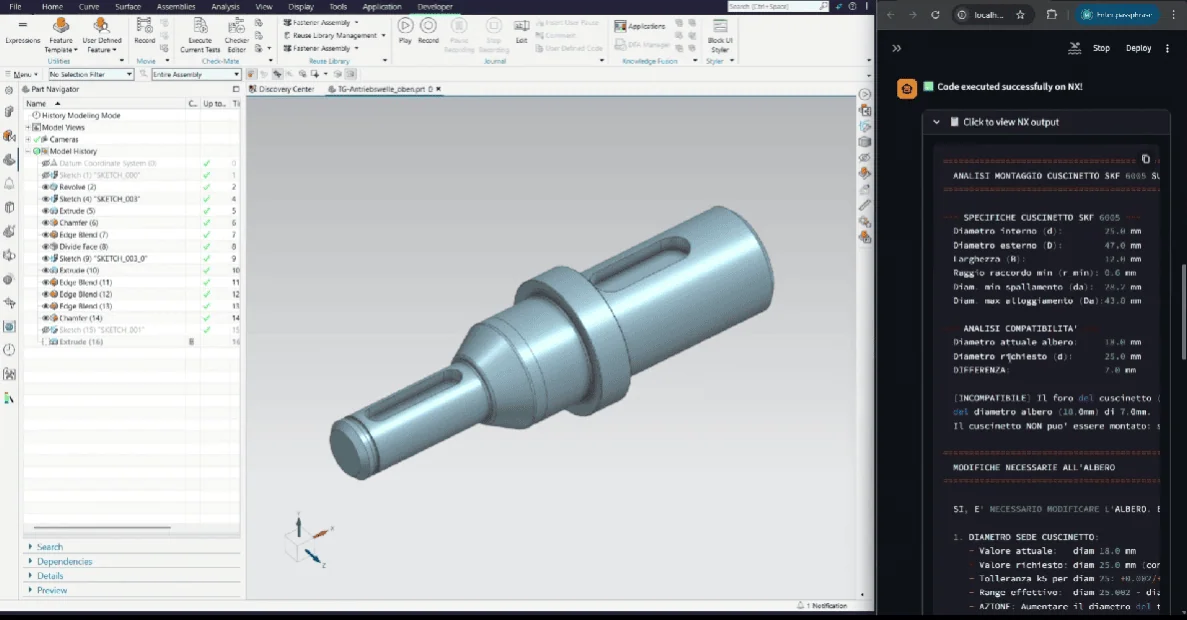
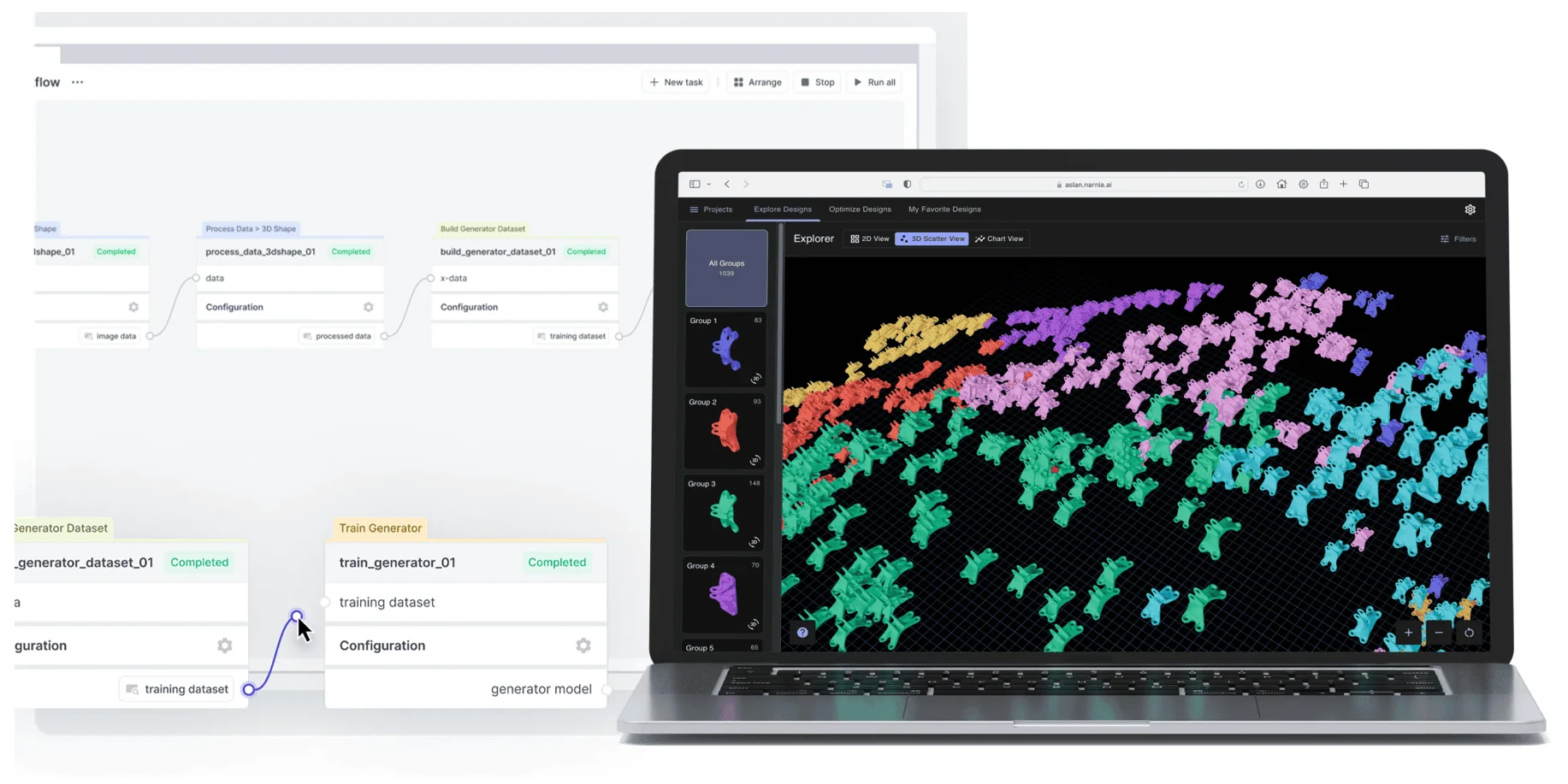
There’s a lot of buzz around text-to-CAD and AI simulation too. While interesting, those seem more suited for R&D at large corporations right now. The smaller manufacturers we serve need mature, ready-to-use solutions they can adopt quickly and see an immediate impact.
Related Topics
 Contact VED
 4
2
4
2




Comment(0)