

 Europe
  Türkiye
  United Kingdom
  Global






 Login with my Xometry account





The CEO and co-founder of Bench, Martin Bielicki, told us why hardware engineering is the next frontier for AI, what it takes to automate geometry preparation and CAD reconstruction, and why context beats raw model capability.
Time Spent Doing Is Time Spent not Thinking
What is the problem with engineering workflows today?
Hardware design is full of very manual workflows. In many cases, engineers know what to do, but they spend most of their time actually performing what they know, not thinking about what to do. That’s execution, not R&D and innovation, which is what they should be paid for.
Software used to be largely very similar but AI has made a big difference there, hardware development will need to follow suit.
What are the consequences?
The first-order consequence is obviously wasted engineer time.
But the second-order effects are bigger. If your simulation team spends 50 percent of their time on geometry preparation, they’re not running more iterations. That means slower time to market as well as sub-optimal product designs.
Engineering leaders are starting to see this as an existential question. Not everybody, but it’s getting there. The feeling is that they need to adopt AI to not get left behind.
Sometimes the process being manual means you just can’t do it at all. You might have an STL mesh that you need as parametric CAD. The engineer would have to remake the entire model in CAD. It would be hugely beneficial, but it’s unfeasible. So the work just doesn’t happen.
Did you experience the problem first-hand?
Yes. I’m a mechanical engineer. At university I founded a team called Hyperlink that ended up building London’s first Hyperloop pod. I led about a hundred engineers across nine teams – structures, aerodynamics, electronics, software. Even in an academic setting you could see how manual the processes were, how bottlenecked, how unautomatable.
That was 2020 to 2022, so crucially pre-LLMs. When LLMs came into the picture, I instantly thought of applying it to my space. The vision was always an AI mechanical engineer. We used to call it Cursor for hardware. Now it’s more like Claude Code for hardware. The names change, but the vision is the same.
One Platform to Control and Automate Your Engineering Tools
What does Bench do?
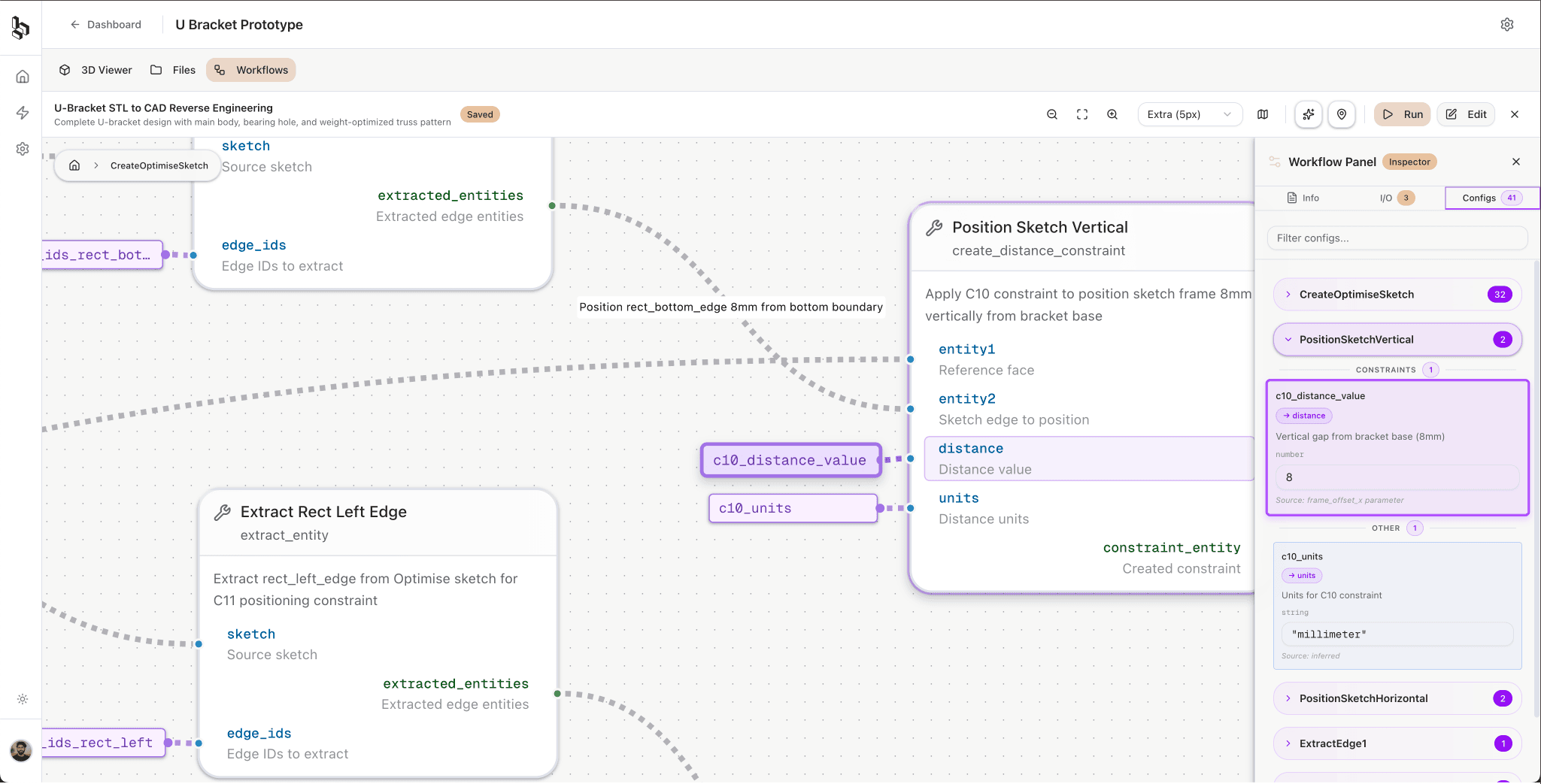
We’re building what we call an Engineering Execution System (EES). It doesn’t fit neatly into existing CAD, CAE or PLM categories. It’s a separate software that sits on top of existing tools, connects to them and executes tasks autonomously across their boundaries.
In coding, your agent lives in your IDE and that’s where everything happens. In engineering you’ve got CAD, simulations, documentation, PLM, requirements, all in different tools. You have to cross the borders between them to actually have enough context and do tasks end to end. That’s what Bench does.
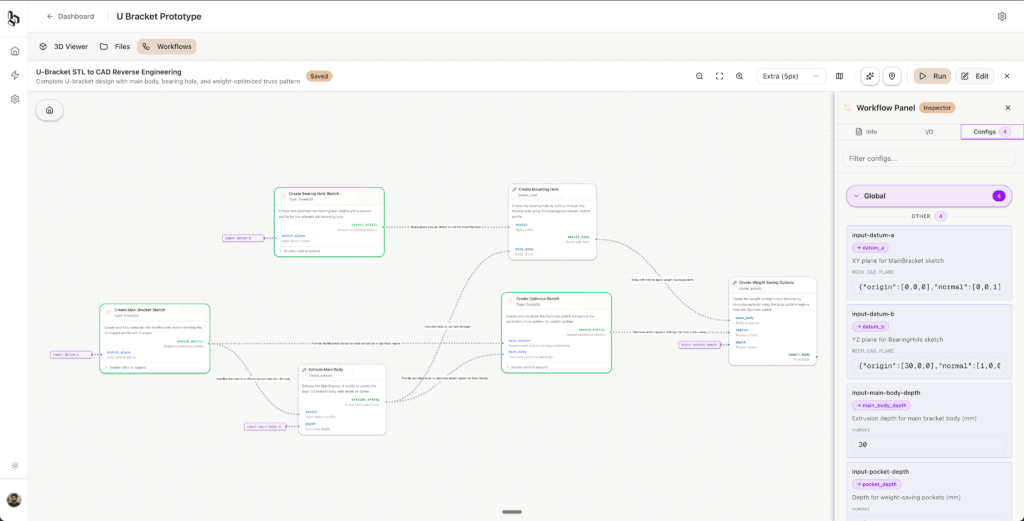
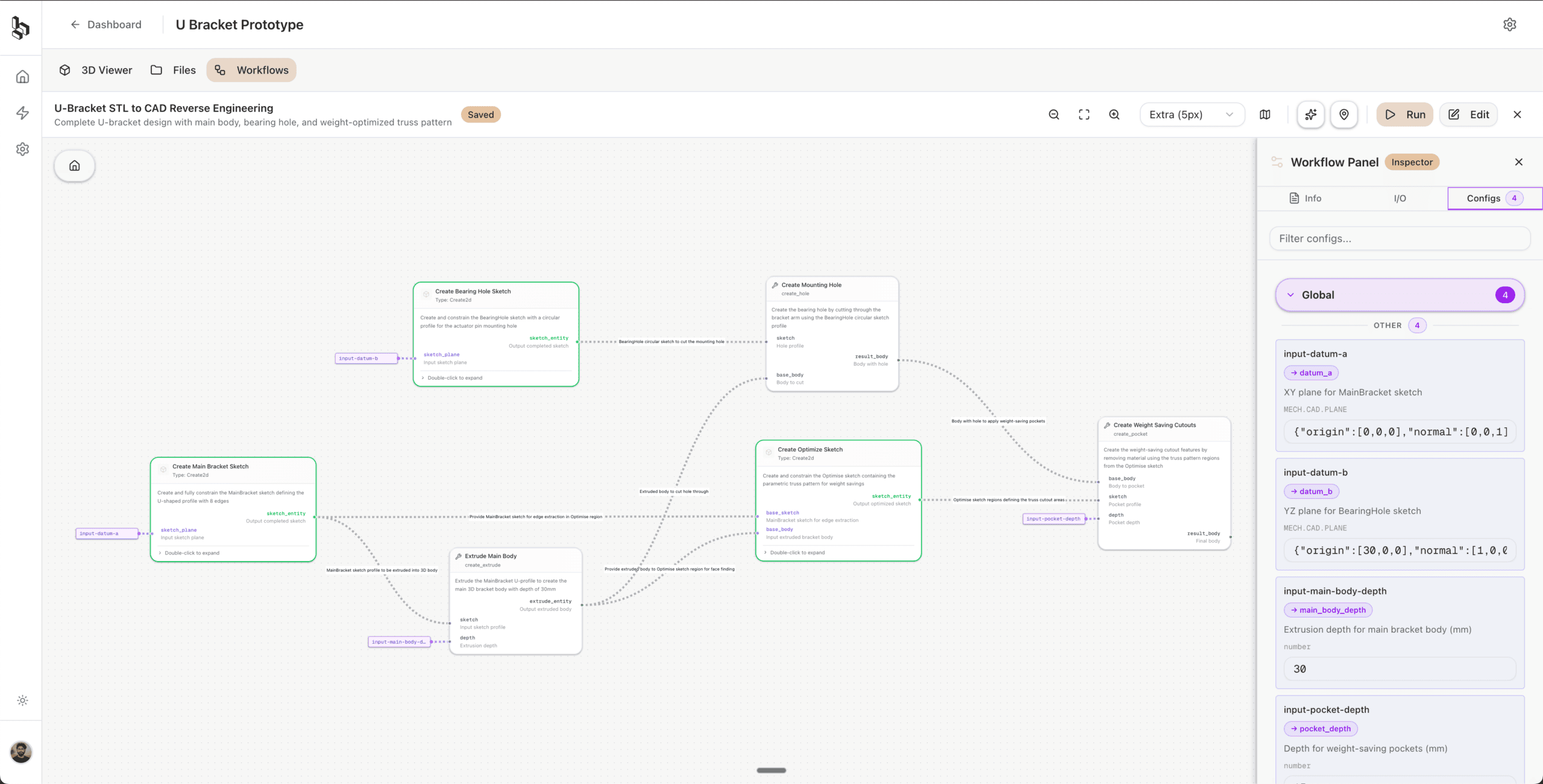
Your website lists geometry preparation for simulation, autonomous optimisation, and STL to parametric CAD. Can you walk us through those?
We’re starting with defeaturing for simulation and STL to CAD. These actually overlap technically.
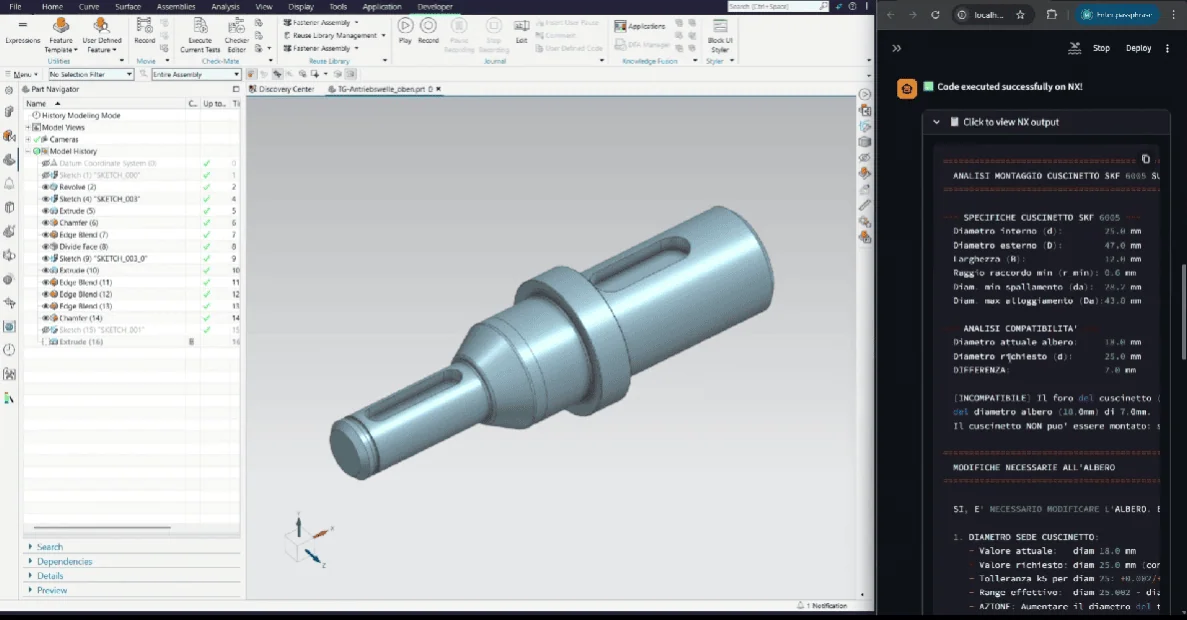
Geometry preparation is the biggest bottleneck for simulation teams. Enterprise simulation teams we spoke to spend up to 70 percent of their time on geometry cleanup. Tools like ANSA exist and do 90 percent of the work, but that last 10 percent takes you two days of manual effort. For a complex engine model, that’s 30 hours of defeaturing. These are real numbers from enterprise engineering teams.
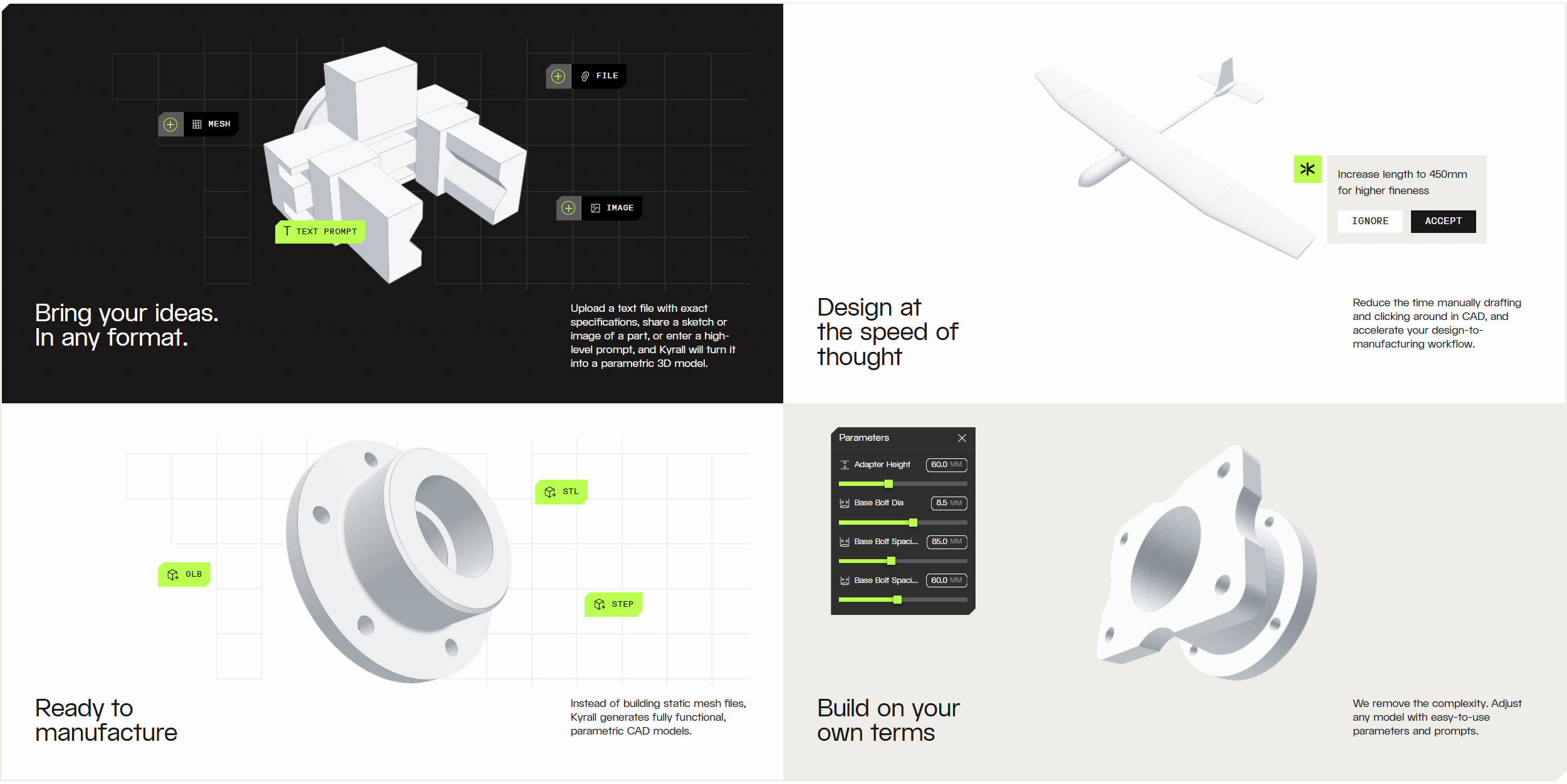
STL to parametric CAD is the other starting point. We can go from a STEP file to a fully parametric native CAD file in Onshape with fully constrained sketches and parameters. A model that would take an engineer four hours to make, we do in 15 to 20 minutes. Once we fully finish the STL to STEP pipeline, you’ll be able to go from STL all the way to parametric CAD in your tool of choice.
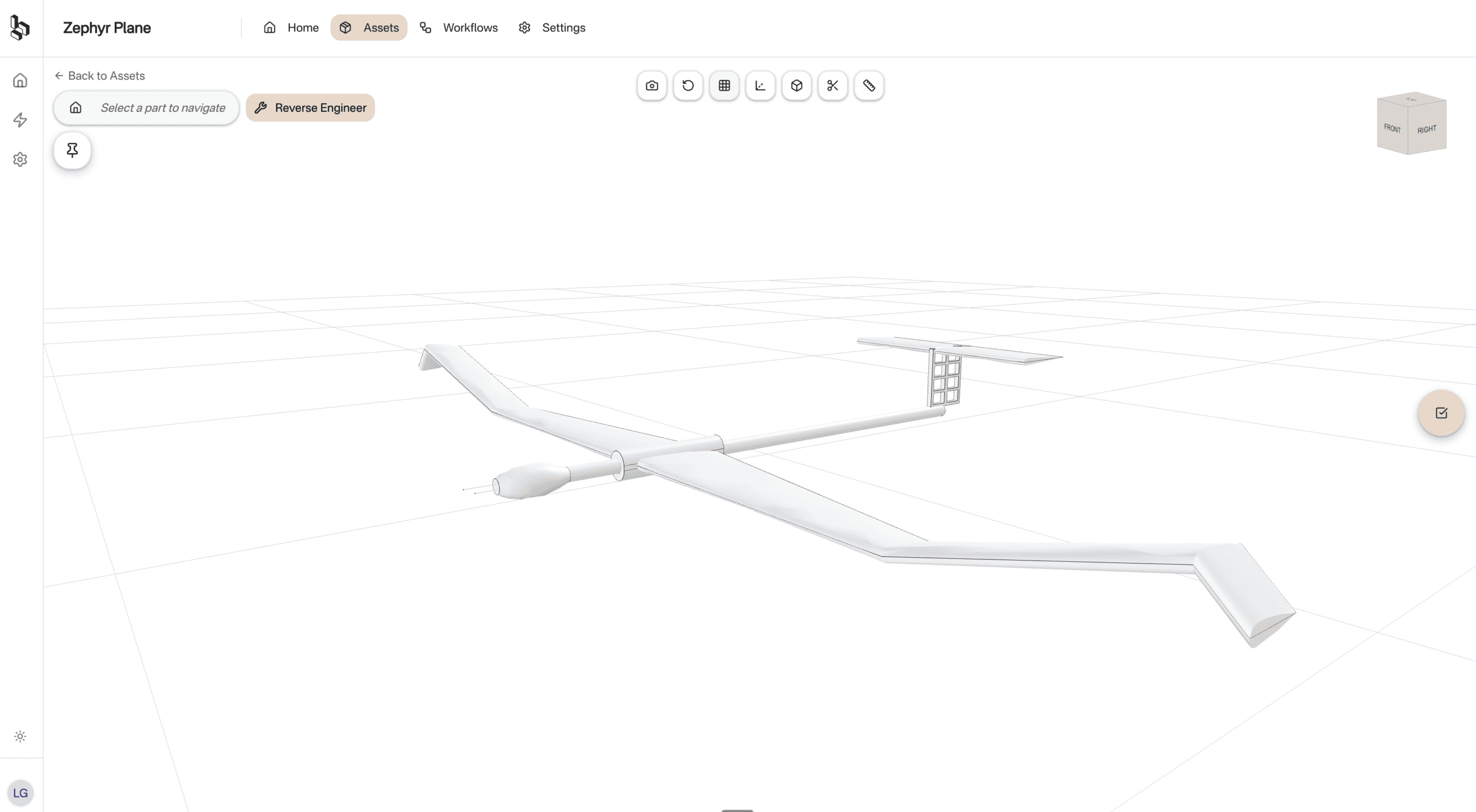
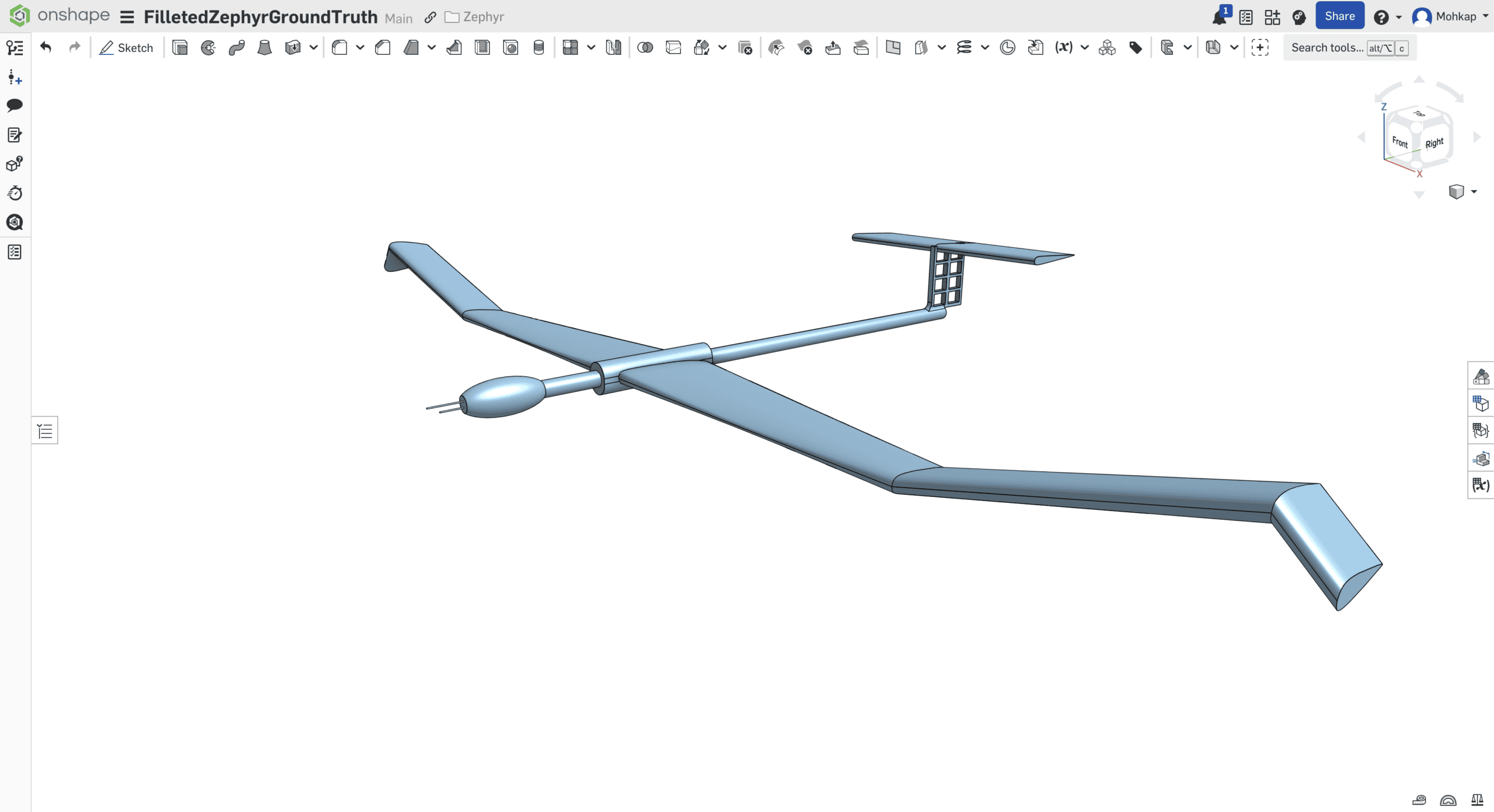
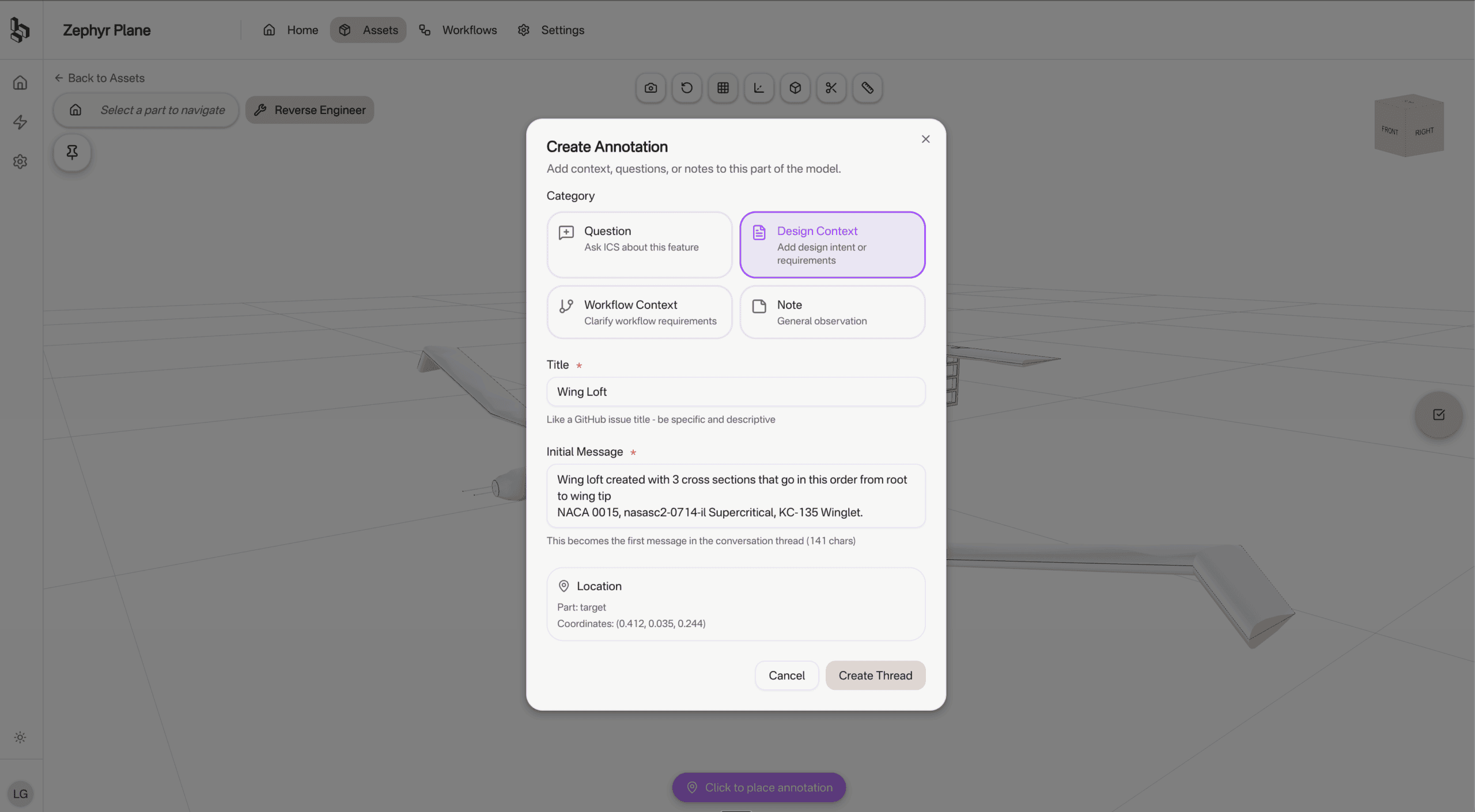
So what is the overlap between the two?
Our approach to defeaturing is different from the traditional one. Normally, people convert to mesh and defeature in the mesh world because that’s easier for humans. What we do is use our STL to parametric CAD capability to parameterise the model first, then defeature on the parametric model. It’s easier for agents to operate on parameterised CAD than meshes. So the two use cases are built on the same underlying technology.
The autonomous optimisation use case builds on both. That’s where you need the CAD intelligence but also have to take simulation results into account, so you’re working across two tools. It’s more forward-looking for now.
You claim no AI hallucinations. How?
That’s the core of our tech. We’ve built a new representation for engineering called PRISM that combines all engineering context, including CAD, simulation and design intent data into one.
Think of it this way. Your CAD doesn’t know why it was designed. The engineer knows. Maybe a simulation showed that a wall can’t be under 5 mm. Maybe the engineer learned three years ago that shaping a part a certain way makes it manufacturable. That context drove the design, but it’s not reflected in the CAD file.
We believe a slightly weaker model with the right context will outperform a far more capable model without it. So the first step of using Bench is context sharing. The engineer tells Bench what matters – key parameters, constraints, design intent. If there’s incomplete context, Bench asks follow-up questions. That might take 10 to 20 minutes, but if you’re automating a process that takes 10 hours manually, it’s still a massive win.
The second part is grounding everything in mathematical tooling. Converting STL to CAD involves a lot of exact computation. We marry the semantic reasoning of LLMs with deterministic algorithms that bound the output in mathematical truth. The agents have a playground, and the math sets the boundaries.
Industries that Iterate
What type of companies benefit the most?
Enterprises. If you’re going after narrow use cases, small companies just don’t care enough. If you go to a simulation team in a big company and automate their defeaturing, that’s 20 percent of their work. But if you go to a five-person hardware startup, 20 percent of their work is spread across 20 different capabilities. You need a much broader product to deliver the same uplift. So we’re starting at the enterprise and building our way down.
Industries with high iteration needs are the most interested. Automotive, aerospace, and some broader industrial players. Automotive especially has cost pressures right now, so they’re actively looking to become more efficient.
Do you already have customers using the product?
We’re in pilot deployments with companies now. I can’t share too much detail because they’re all under NDA, but people are actively using Bench.
What’s the biggest win the users are seeing?
Enabling a process that previously was unfeasible because it was manual. Converting STEPs to native parametric CAD for exploring design spaces. The client needed parameterised models but couldn’t justify the engineering hours to redraw them by hand. Now they can do it automatically. That’s the biggest one.
Simulation teams understanding that unbottlenecking geometry preparation directly increases the number of iterations they can run is a close second.
Deployment Starts with KPIs
What does Bench cost?
We sell enterprise licenses, customised to each deal. We don’t charge per seat in the traditional sense. We charge per capability – things like STL to CAD or defeaturing – and then the price scales with whether you deploy to a team or a whole department.
Engineering companies are used to paying 40 thousand for a single simulation software license, and some simulation companies already charge per run or by fidelity. That’s roughly where AI pricing is headed. We’re a hybrid between per-seat and usage-based for now. I think we’ll go more usage-based in the future, but the market isn’t quite ready for that yet.
What does deployment look like?
We start with a focused pilot where we set specific KPIs around time savings and output quality. There’s usually some fine-tuning needed for the specific use case because every company has a slightly different workflow or produces parts that need something specific.
After the pilot succeeds, we integrate with the full on-prem tool stack as well, things like CATIA or Siemens NX. During the pilot phase we prefer to run on cloud CADs because it’s faster to iterate.
Where does the data live?
The data stays with you. Bench doesn’t hold your CAD data. We connect via API or GUI-based computer use and execute conversions in your CAD environment. So a redrawn model in Onshape is a full Onshape model, same as if you created it by hand.
Building an Engineering Brain that Scales
How competitive is this space?
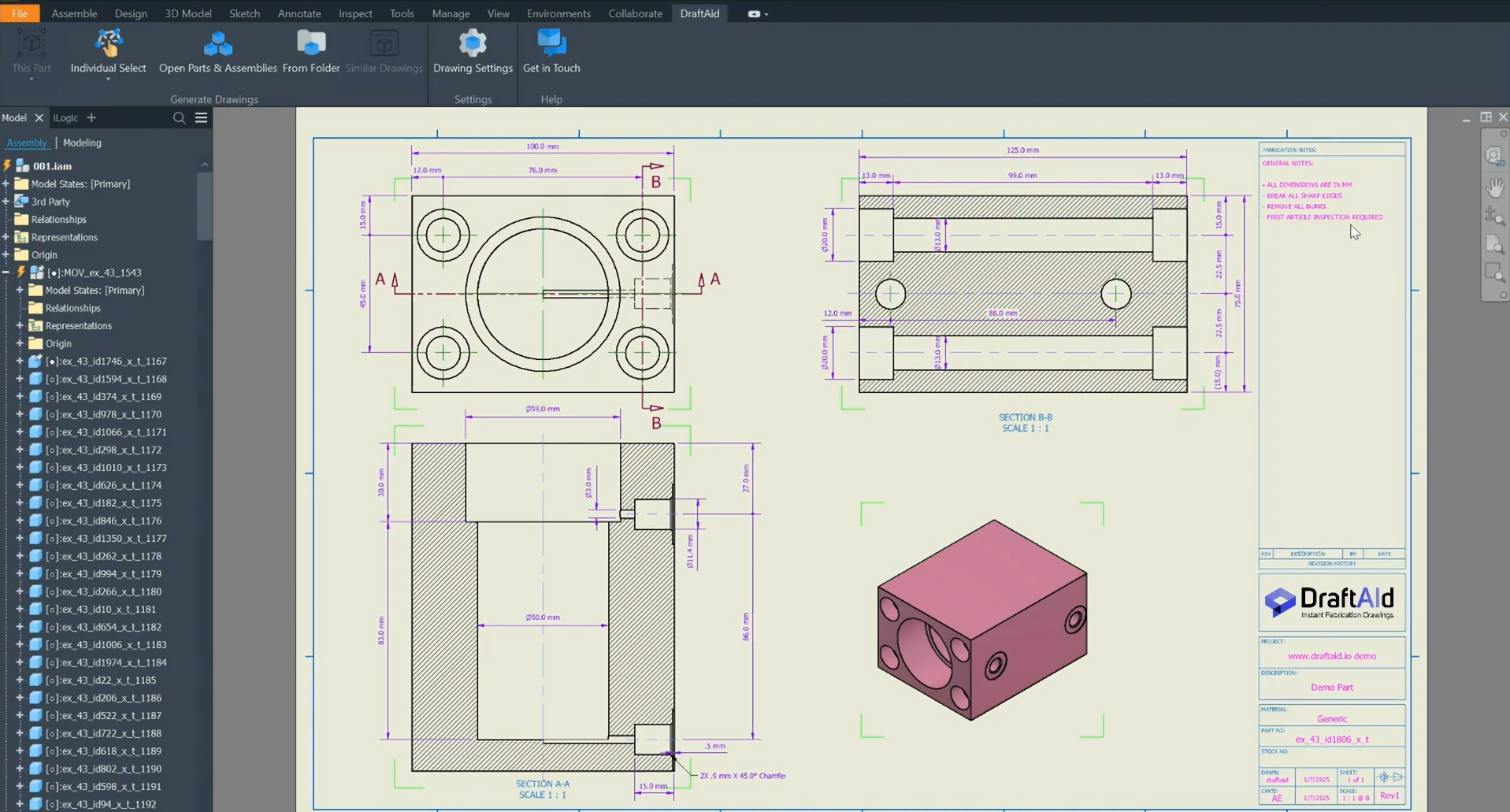
There are a lot of AI companies in engineering software now, but they’re in sub-niches. AI drawing automation, AI surrogates for faster simulation, text-to-CAD. Within each pocket, the competition isn’t huge yet. When we go to customers, we don’t really go against competitors. Mostly we’re up against inertia and the decision to not do anything.
In coding you had ten agents pop up and they all do roughly the same thing. In engineering, the workflows are harder, you’re stuck inside specialized tools, and the starting points are much more varied. An AI for engineering drawings and an AI for defeaturing have zero overlap right now. Down the line they’re both engineering workflows and might converge, but today they’re completely separate.
You’ve talked about engineers eventually leading teams of AI engineers. How far away is that?
It’s the question every knowledge-based industry is asking itself. We think engineering will follow where software has gone. Software engineers are shifting from writing every line of code to being architects. They write a spec, feed it to an agent, review the output and iterate in natural language.
We want the same for hardware. An engineer shares the design intent, what they’re trying to achieve, and the agents perform the actual execution. The engineer assesses, iterates, and approves. They’re no longer stuck selecting every chamfer on the model and removing it by hand.
Where does Bench go from here?
We’re starting with two narrow use cases. STL to CAD might make up one or two percent of the whole of engineering. Defeaturing maybe another two percent. But the ambition is to automate all of engineering. The way we build the tech supports that. We’re not building detached use cases stitched together under one roof. The core agentic technology is the same across all of them – context ingestion, workflow planning, execution. We’re building an engineering brain that scales across use cases.
Any interesting AI companies in engineering you’d highlight?
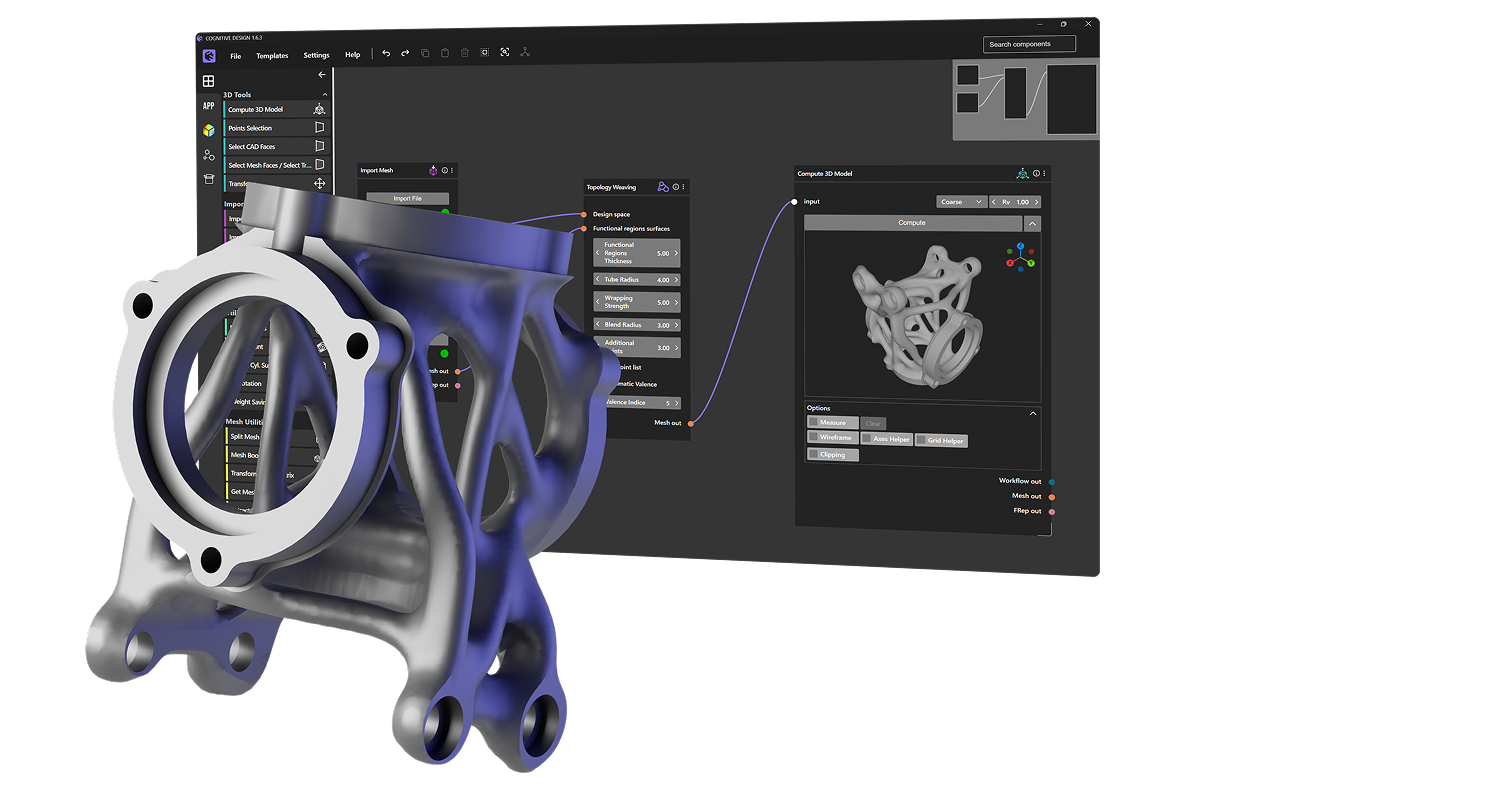
Synera is interesting. They’ve been doing workflow automation for engineering for seven or eight years, non-AI originally, and now they’ve added AI on top.
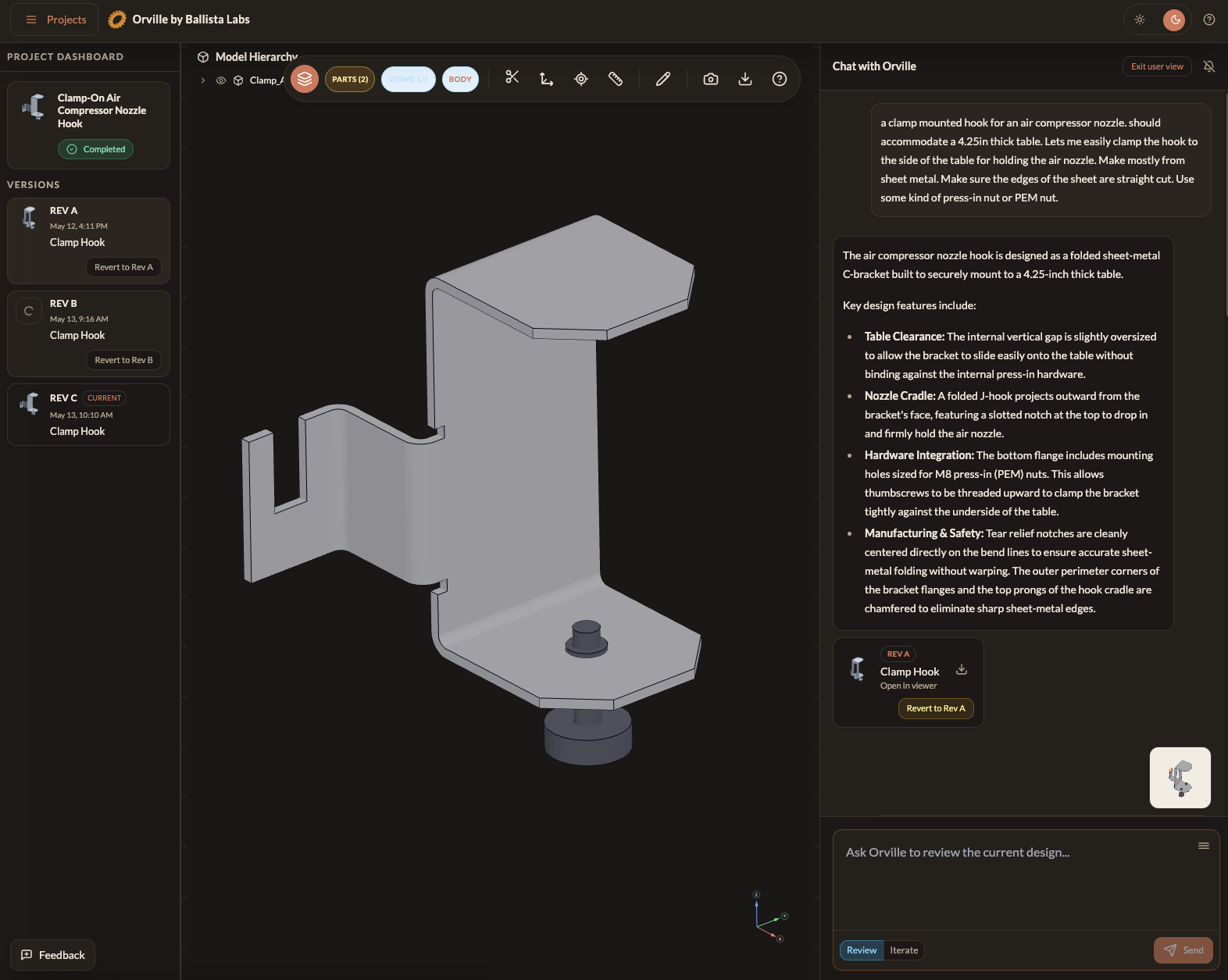
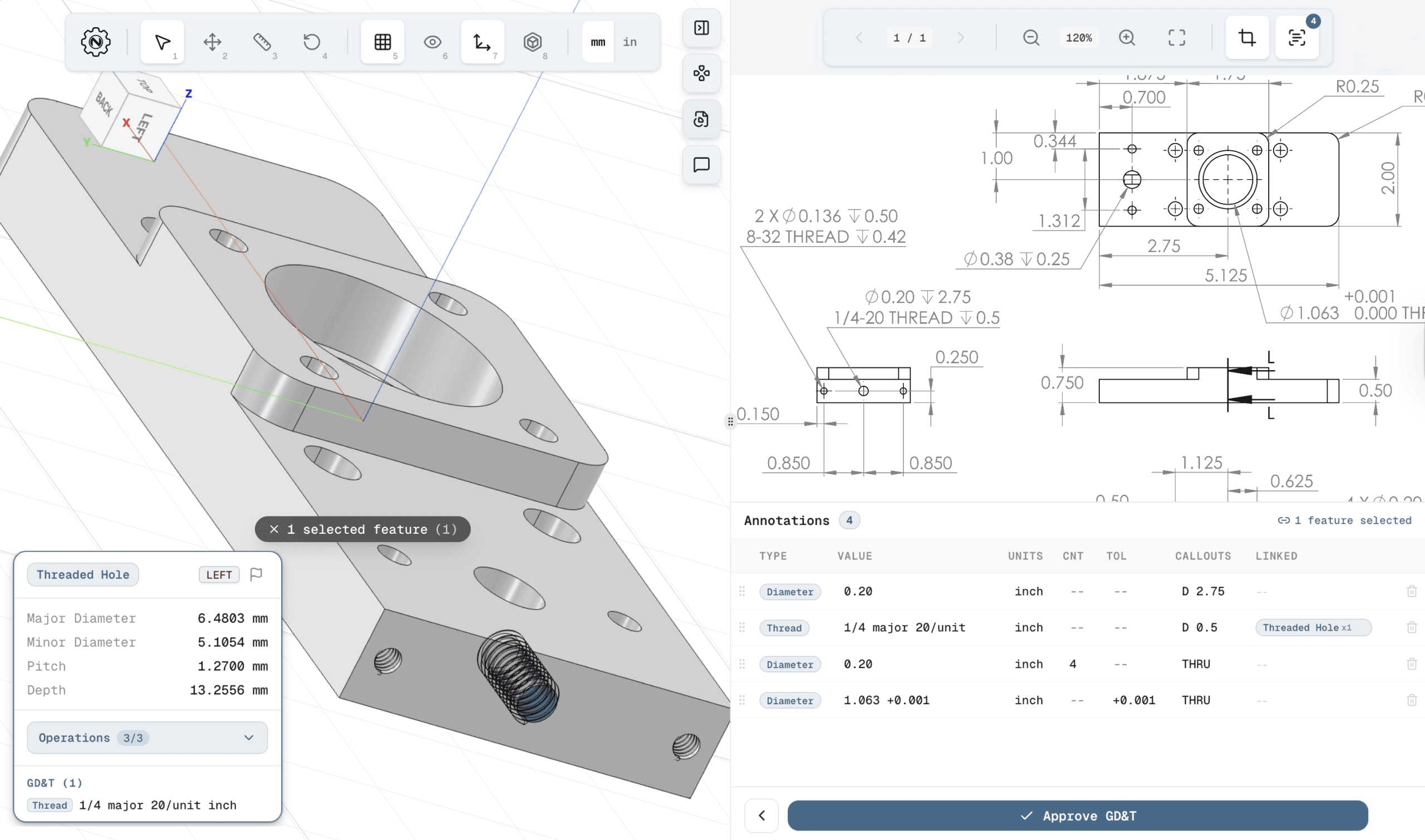
I recently met the founder of NexCAD at Develop3D Live and the drawing automation use-case seems worthwhile. And a newer one we came across at the same event is Depix. They’re doing AI for conceptual design, which is the same process we’re automating, just earlier in the flow.
Related Topics
 Manon Bouriaud
 Content Manager
 0
2
0
2



Comment(0)